Start with the letter your recipient should receive
Finish the wording with your assistant, then export the version you want the recipient to receive as a portrait US Letter PDF. A welcome letter contains the welcome message itself. Keep the recipient address and your return address ready. The prompt below prepares an order; it is an example request, not a record of a completed mailing.
Use Postedly to prepare mailing this finished PDF to the address I provide. Check the available mailing options and show me the final document, recipient, and total. Do not pay or send until I approve.
Inspect a letter from source to final proof
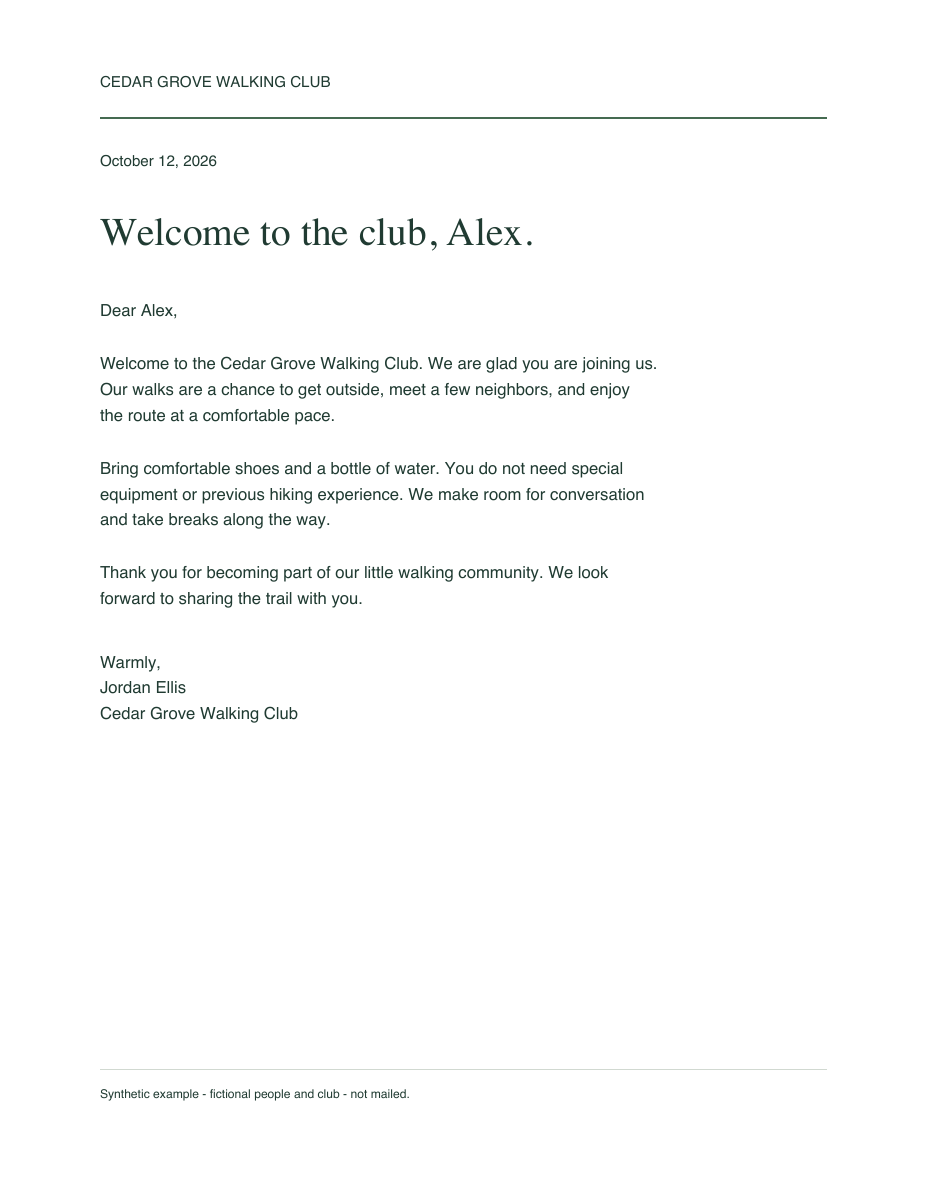
The Cedar Grove Walking Club example is a complete, one-page welcome letter. Its people and club are fictional, and its footer identifies it as a synthetic example that has not been mailed. Open the source PDF or its rendered page to inspect the wording and layout.
On October 12, 2026, Postedly Reviewer MCP in Codex uploaded this exact source and obtained a real letter quote of $9.99 USD, including $0 tax. The actual final proof has two pages: the added address sheet, then the letter body. Both pages were rendered and inspected; no added Postedly branding, clipping or overlapping content was observed.
The check stopped after quote and proof review. No order was approved or created, and nothing was paid for, mailed or delivered. The names are fictional and the addresses belong to public civic institutions. Use the example to inspect the workflow, then request a fresh quote for your own letter.
From a PDF to a reviewed order
Choose the service.
Use a letter for a document in an envelope, a postcard for a two-sided design, or certified mail when you need that postal service. Check current availability before preparing the order.
Connect the assistant you use.
Follow its Postedly setup guide and complete the account connection. A connection permits preparation; it does not approve a purchase.
Transfer the actual file.
When your assistant can access the file bytes, it can upload directly. If it cannot, open its private upload link or upload the PDF yourself on Postedly. A filename or local path alone is not a transfer.
Add the sender and recipient.
Provide the complete mailing addresses. Your connected assistant can reuse the email already verified during connection. Confirm any standardized address in the quote and final proof.
Review the proof and quote.
Inspect every final page, the recipient, service, estimated timing, and total. A letter proof includes the added address page. Approve that exact order before payment.
Check the existing order.
After checkout, keep the Postedly order reference and check payment and fulfillment separately. Check that order before asking the assistant to send again.
Know the price before you approve
Current letter, certified mail, postcard, fax, and standard handwritten-card orders use fixed service prices within their supported limits, before applicable tax. Page count and supported printing settings can affect whether an order qualifies. Fixed prices apply to eligible orders; the exact quote confirms eligibility and the final total.
What has been verified
On September 20, 2026, Muse had been checked through PDF transfer, an unpaid fax quote, and final-proof review. Claude web had been checked through PDF transfer, an unpaid fax quote, and a private review link. ChatGPT had been checked through connection and service lookup. These checks did not approve, pay for, or fulfill an order. Cowork has not been tested separately. Check your assistant guide for the evidence and remaining manual steps.
You can also finish on the website
Download the finished PDF and upload it directly on Postedly. You do not need a home printer, envelope, or a separate assistant connection for the website flow. You still review the proof and total and verify your sender email before checkout.